Update
1.0.1
TV Updating
Update software on TinyTV 2, Mini, or DIY Kit
- Click the button below to bring up the connection dialog
- Select "TinyUSB Serial" or "TinyScreen+"
- Click the "Connect" button in the dialog to start the update process
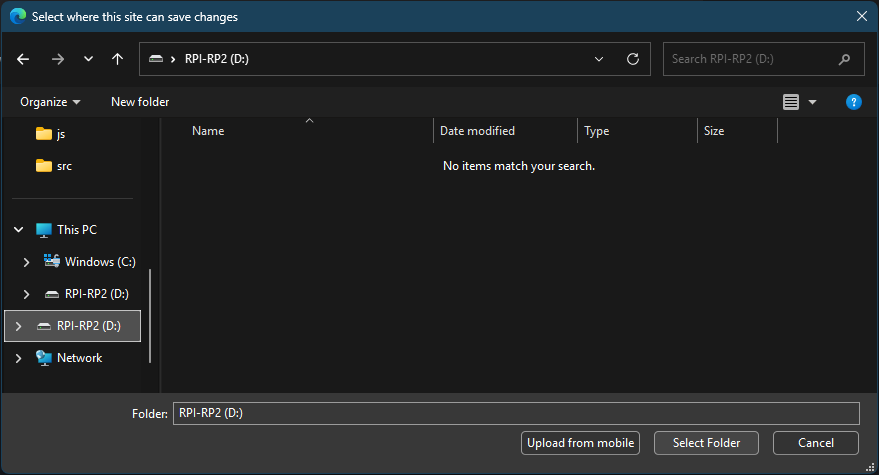
Browser not supported: manual firmware upload required.
Detecting TV...



Detecting TV...
Bootloader instructions:
Turn the TV off by holding the power button for 10 seconds
- Plug the TV into a computer using a USB-C cord
- Press and hold the reset (TV2) or right-most (mini) button and power on
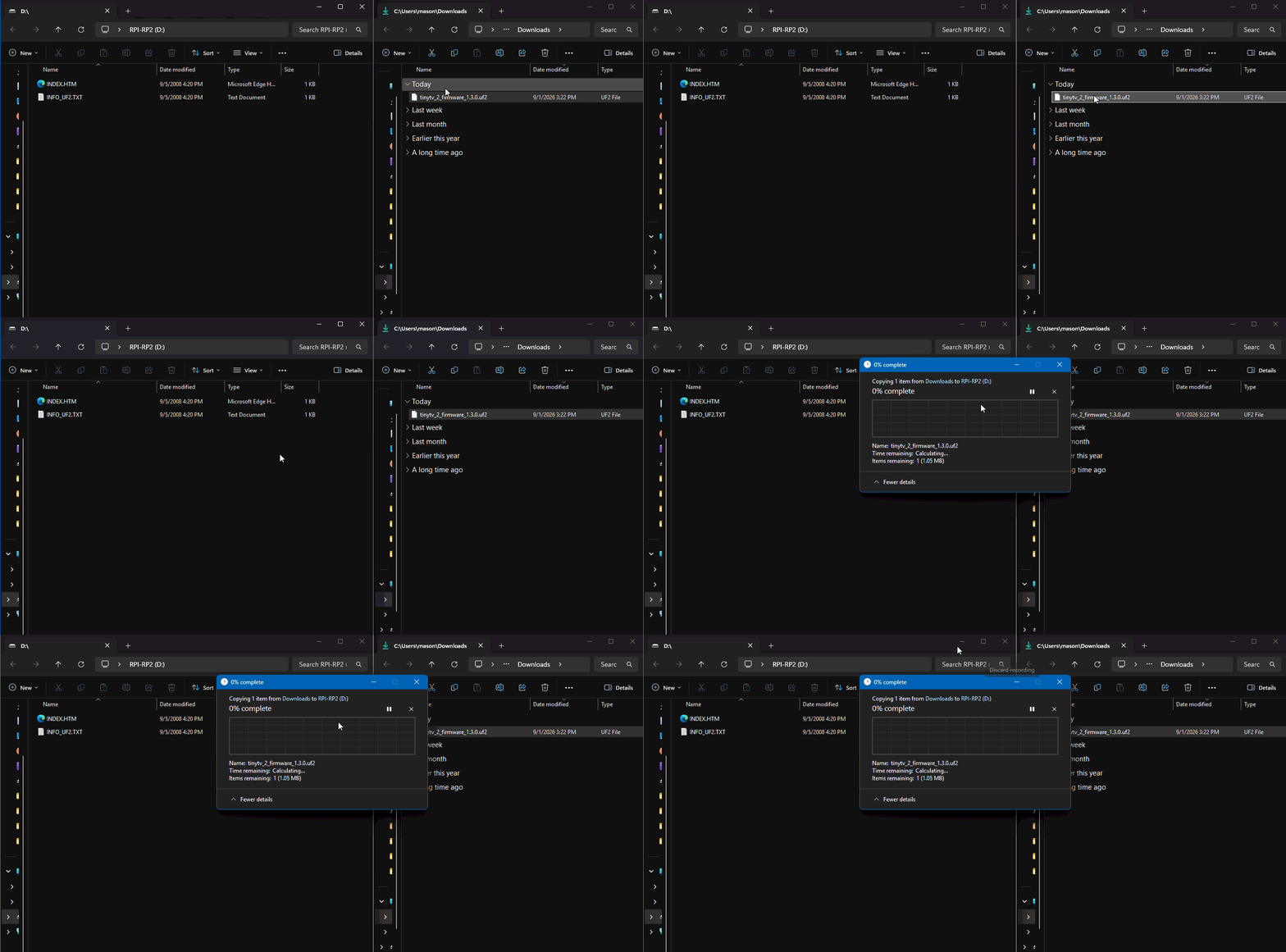
Firmware upload instructions:
- Download TinyTV 2 or TinyTV Mini firmware file
- Navigate to RPI-RP2 from File Explorer
- Copy file from downloads into RPI-RP2
Download the latest firmware for your device below: